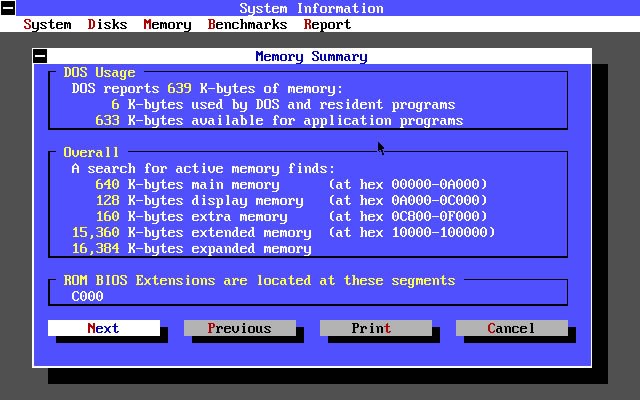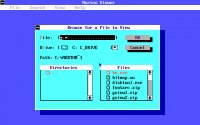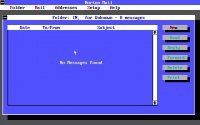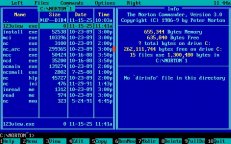
Norton Desktop takes the Norton philosophy of practical system management and gives it a more graphical, desktop-like presentation. Designed for DOS, it provides an organized environment for launching applications, managing files, and navigating the computer without relying entirely on the command prompt. It arrived when PC users were increasingly expecting their machines to behave more like integrated workstations, yet DOS still lurked underneath everything. The result is an interesting halfway house between classic command-line computing and the graphical desktops that would soon become dominant. Norton Desktop is functional rather than flashy, but that restraint has its own charm. There is something amusing about looking at a program that was once considered a sophisticated desktop environment and realizing how little visual clutter it contains. Compared with modern operating systems, it is wonderfully direct: find the file, run the program, and get back to work.
DOS Applications made for DOS require an emulator to run on Windows. Use DOSBox or a frontend like D-Fend Reloaded and read this guide to play DOS games on your Windows PC.
More information on Norton Desktop
Status: abandonware Abandonware DOS views: 10557
Comments
Write a comment Have you ever played Norton Desktop? Did you like it? Did you hate it? Write something about it: share your experience, give us hints on how to properly run this application or simply say how much you loved it.
You may also like...
These are some of the abandoned applications similar to Norton Desktop in some way.